01
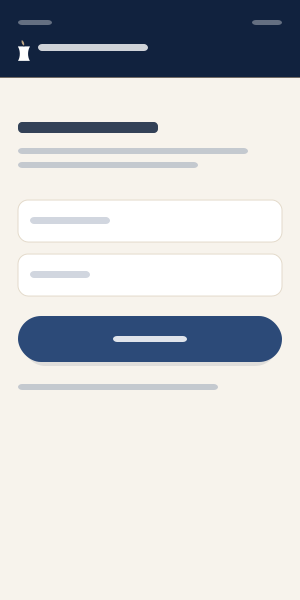
Sign in with your phone
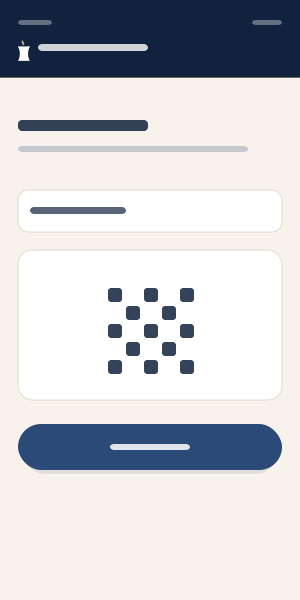
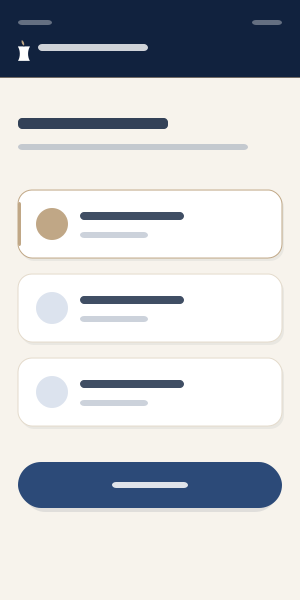
Enter your mobile number, type the verification code sent by SMS, and sign in. On your first sign-in, your account is created once you enter your details.
Enter your mobile number, type the verification code sent by SMS, and sign in. On your first sign-in, your account is created once you enter your details.
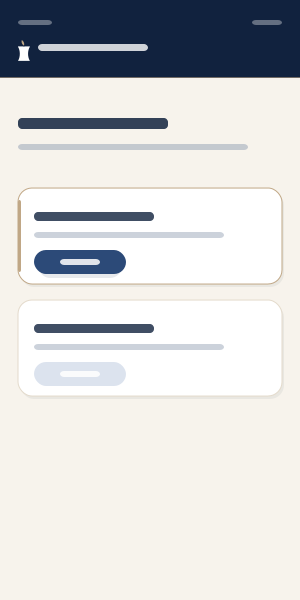
If you want to buy a face-analysis service from a clinic, tap “Enter a clinic.” Otherwise, to view your service history, transactions, available tokens, or to contact support, choose “Personal panel” without entering a clinic.
To enter a clinic, type the clinic code or scan its QR code.
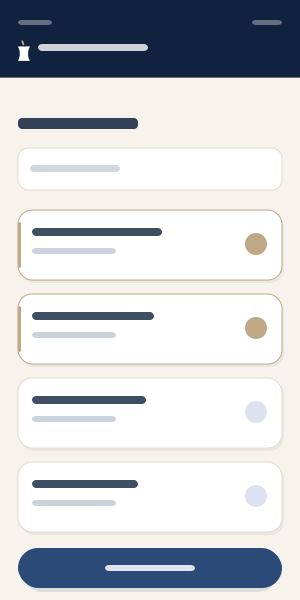
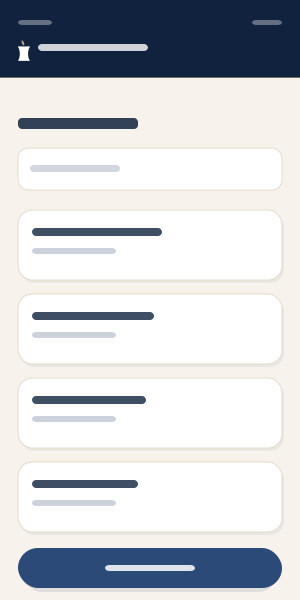
To buy a face-analysis token, tap “Services” to see the services the clinic offers. After selecting services, tap “Cart & payment.”
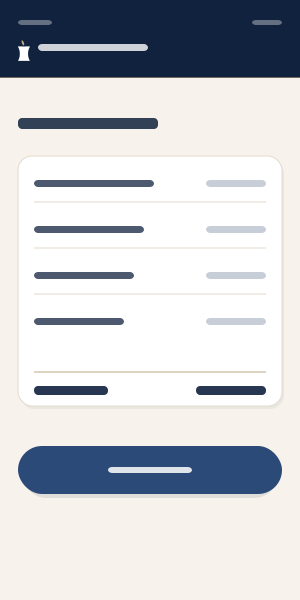
The final proforma shows your selected services, your mobile number, and the clinic you’re buying from. After re-checking the details, tap “Pay.”
Choose a payment gateway (ZarinPal or SEP) and complete the payment. After a successful payment, the face-analysis token is added to your account. Your tokens are visible under “My credits” in the clients app and from your clinic.
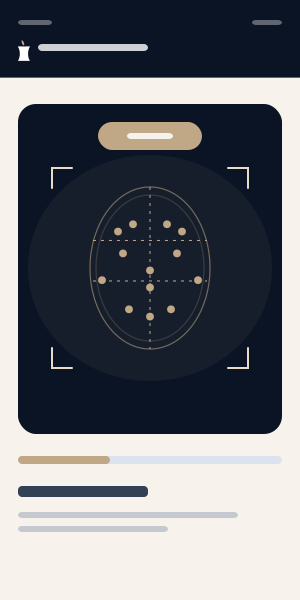
At this step, ask the technician at the clinic where you bought the token to capture your face. This happens only under clinic supervision, so visit the clinic providing the service. Within seconds of capture, our models analyze your images and the report becomes available to you and the clinic.
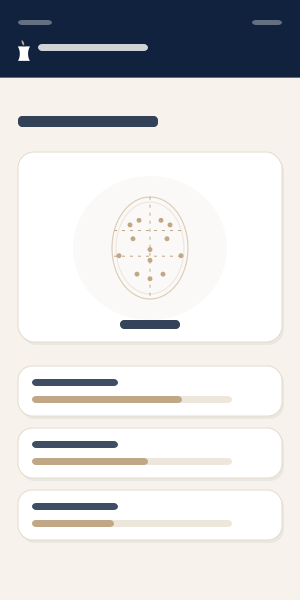
In the “Service history” section of your app, view your AI face-analysis report with precise metrics and charts, and discuss it with a specialist.
Revisit past reports, and manage your language and account details from the profile section.
The images on this page are schematic samples of the app screens. To show the real apps, replace the files in public/guide with actual screenshots (same file names).